

Remote team calendar chaos
Picture this: you're coordinating a meeting with colleagues in London, New York, and Tokyo. Someone inevitably suggests a time that’s 3 AM for another person. It's a familiar scene for anyone working with a distributed team. The sheer number of tools we rely on – Google Calendar, Outlook, personal preferences – quickly leads to a fragmented mess of schedules.
This isn’t just about inconvenience. Fragmented calendars mean missed meetings, frustrating double-bookings, and a general sense of disorganization. It impacts productivity, morale, and ultimately, the bottom line. Efficient calendar management isn’t simply a "nice-to-have’ for remote teams; it"s absolutely essential.
Fortunately, several apps tackle these challenges with features for sharing calendars, syncing across platforms, and streamlining scheduling. This article explores some of the best options to help you find the right fit for your team.
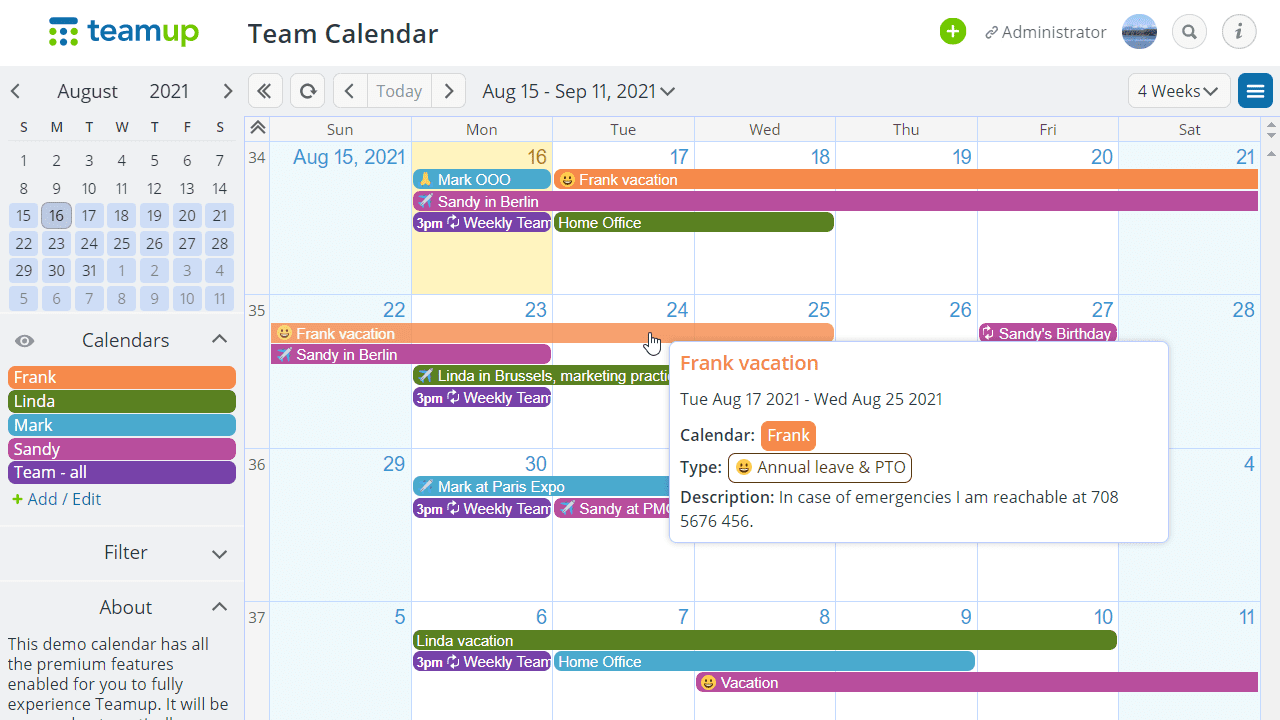
Top calendar apps for remote teams
Many calendar apps exist, but not all suit remote teams. The key is finding a solution that prioritizes collaboration, syncing, and ease of use. Here are seven top contenders.
Google Calendar: Still a dominant force, Google Calendar offers seamless integration with other Google Workspace apps like Gmail and Meet. It’s incredibly user-friendly, supports multiple calendars, and allows for easy sharing with granular permissions. Pricing is free for basic use, with paid Google Workspace plans offering additional features. However, its strength is also a weakness – it works best within the Google ecosystem.
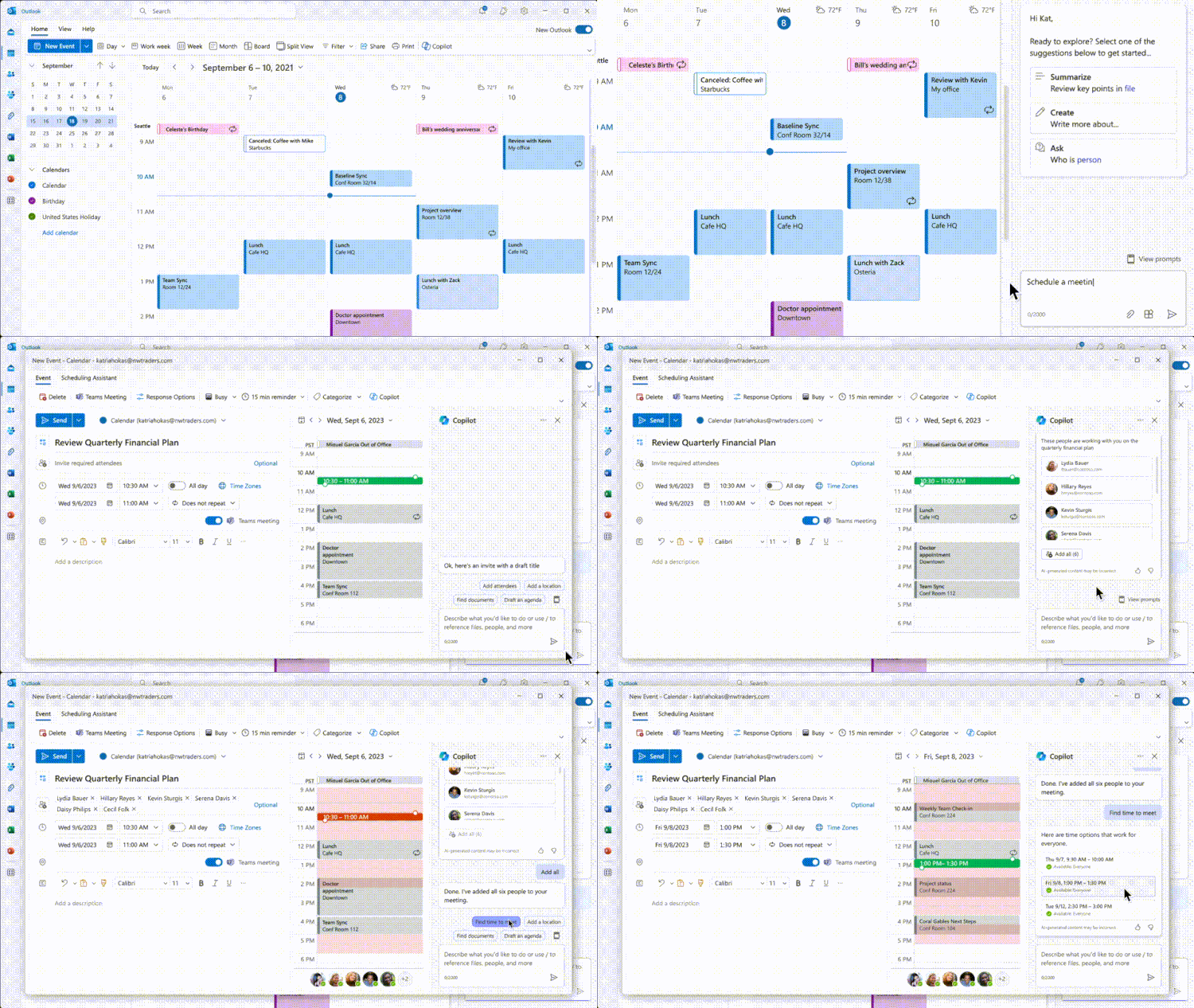
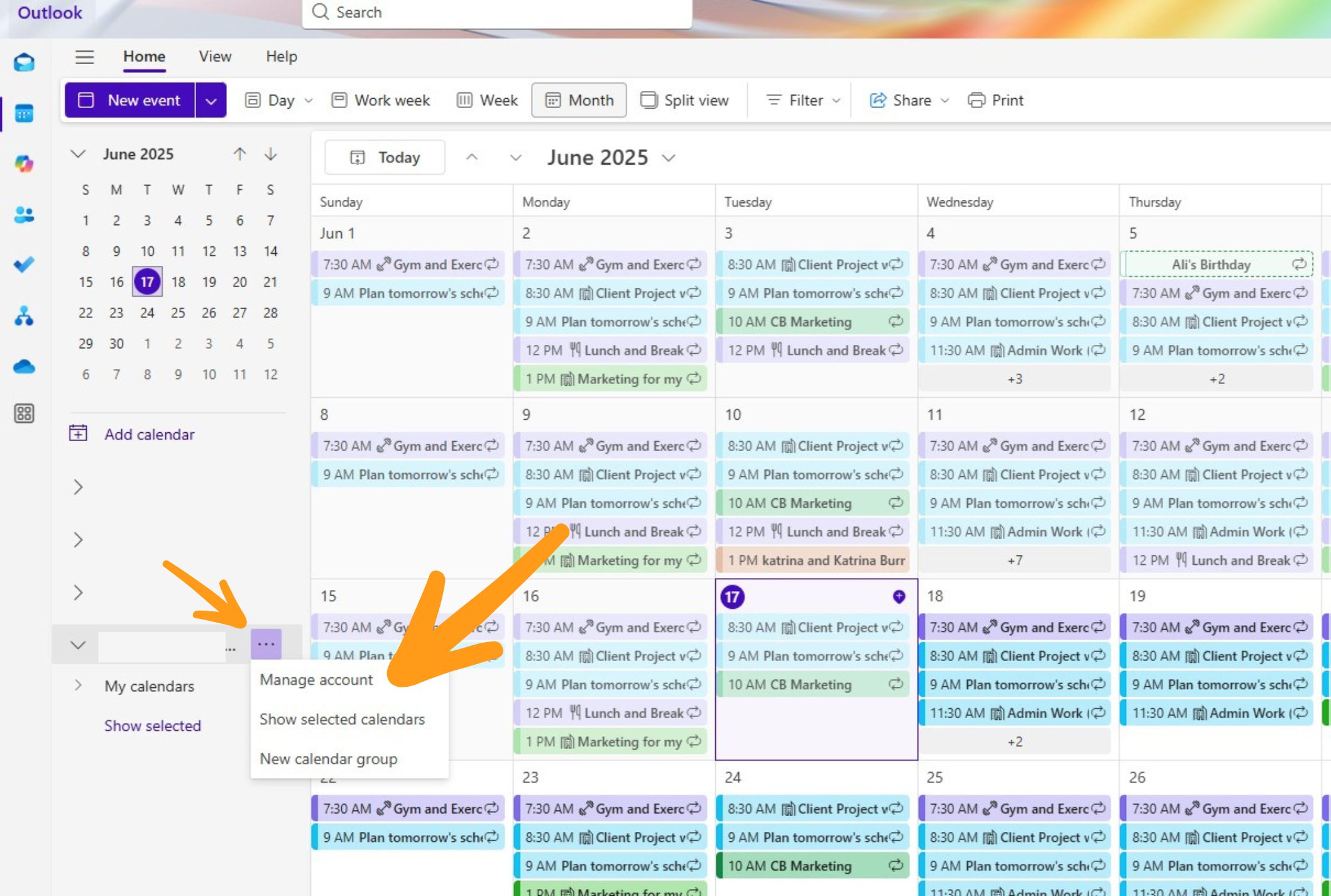
Microsoft Outlook Calendar: A staple for many businesses, Outlook Calendar integrates tightly with Microsoft 365. It’s known for its robust features, including scheduling assistant, room booking, and advanced meeting options. Like Google Calendar, it excels within its own ecosystem. Pricing is included with Microsoft 365 subscriptions. It can sometimes feel cluttered compared to simpler options.
Clockwise: Clockwise takes a unique approach to calendar management, focusing on time blocking and optimizing your schedule for focus time. It analyzes your calendar and automatically reschedules meetings to create longer, uninterrupted blocks of work. It integrates with Google Calendar and Slack. Clockwise offers a free plan for individuals, with paid plans starting around $7 per user per month. While powerful, it requires a shift in workflow.
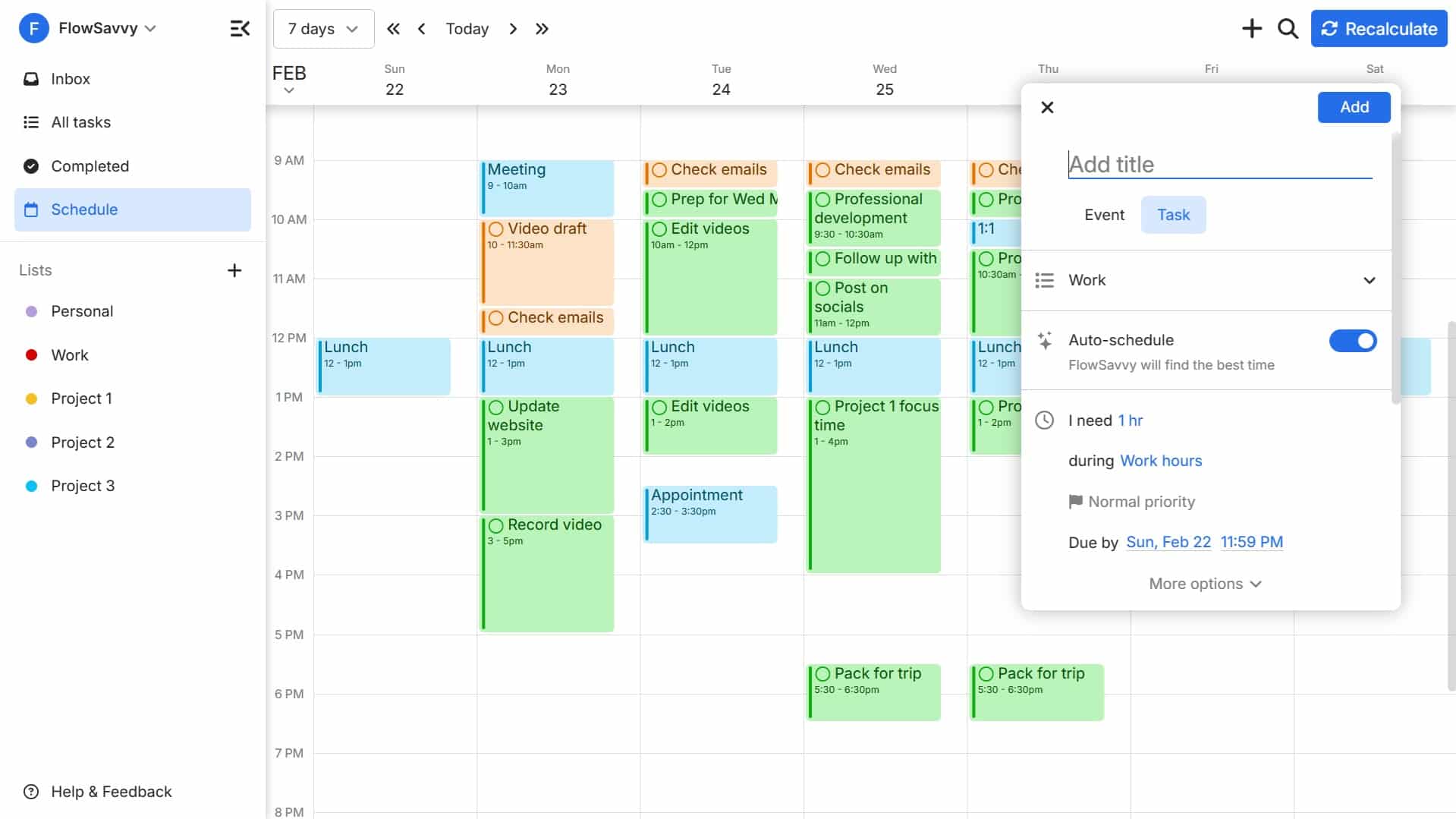
Reclaim.ai: This app uses AI to automatically schedule tasks, habits, and breaks into your calendar, protecting your focus time. It integrates with Google Calendar and Slack, and learns your preferences over time. Reclaim.ai’s pricing starts around $12 per user per month. It’s best for individuals and teams who struggle with time management and prioritization.
Calendly: Calendly is primarily a scheduling tool, allowing others to book time with you based on your availability. It integrates with a wide range of calendar platforms and video conferencing tools. Pricing starts at $8 per user per month. It’s ideal for client-facing teams and anyone who spends a lot of time scheduling meetings, but lacks robust ongoing calendar management features.
TimeTree: TimeTree is a visually appealing calendar app designed for families and small teams. It allows for shared calendars, to-do lists, and notes. It’s particularly strong for personal and informal collaboration. TimeTree is free to use, with optional premium features. While easy to use, it may lack the advanced features needed by larger organizations.
Fruition: Fruition is a unique option that allows you to share calendars with external clients or partners without revealing personal details. It creates a separate, limited-access calendar that syncs with your primary calendar. Fruition's pricing starts around $9 per month. It's a solid choice for protecting your privacy while still maintaining transparency.
- Google Calendar: Best for teams already invested in the Google ecosystem.
- Microsoft Outlook Calendar: Ideal for organizations using Microsoft 365.
- Clockwise: Excellent for optimizing focus time and preventing calendar overwhelm.
- Reclaim.ai: A great choice for individuals and teams struggling with time management.
- Calendly: The go-to solution for simplifying meeting scheduling.
- TimeTree: Perfect for small teams and families who want a visually appealing shared calendar.
- Fruition: A strong option for protecting your privacy when sharing calendars externally.
Essential Calendar Accessories for Seamless Digital-Physical Integration
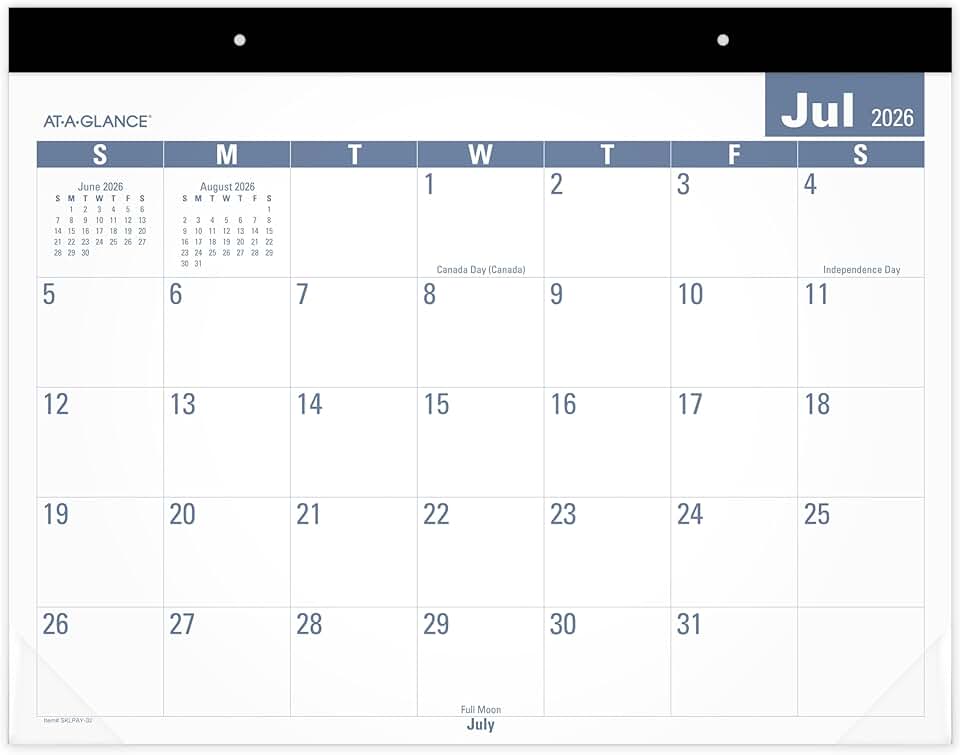
12-month academic year planning (July-June) · Monthly view with unruled daily blocks · Large 21-3/4" x 17" standard size
This desk pad offers a spacious, unruled monthly layout for jotting down appointments and deadlines, serving as a visual anchor for remote team schedules.
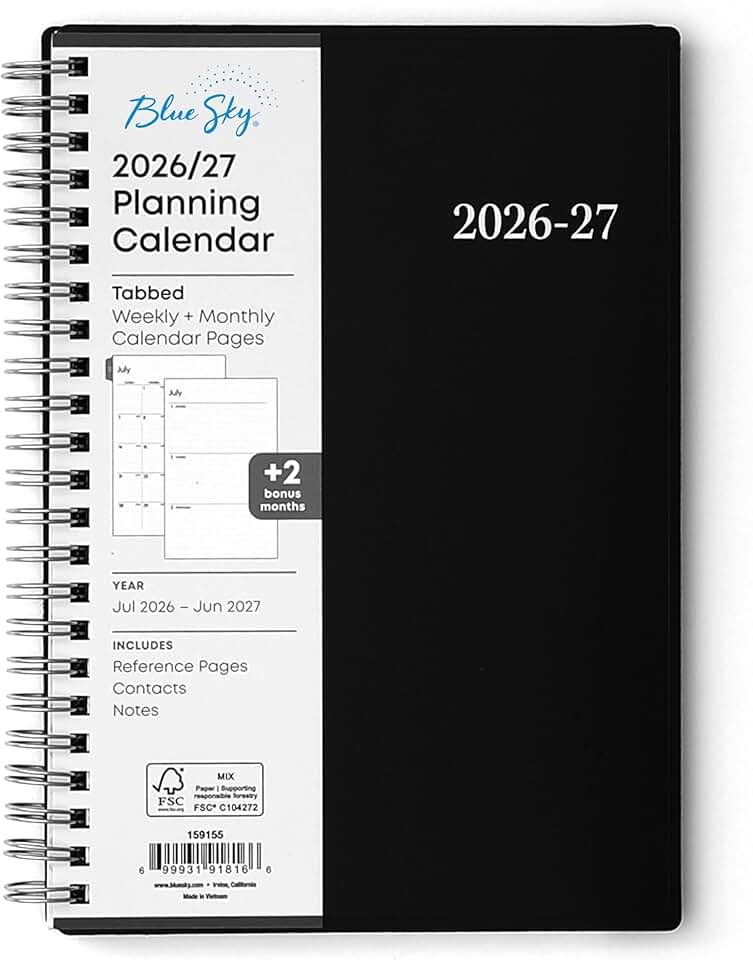
Academic year planner (July 2026 - June 2027) · Combined weekly and monthly views · Compact 5" x 8" size with flexible cover and wire binding
This portable planner provides both weekly and monthly layouts, ideal for individual remote team members to track personal tasks and sync with shared digital calendars.

4-month dry erase calendar surface · Magnetic whiteboard with total erase surface · Large 3' x 2' size
This large, magnetic dry-erase board allows teams to visualize project timelines and key dates in a shared physical space, complementing digital planning tools.

Classic Moleskine notebook · Extra Large size (7.5" x 10") · Ruled pages with a soft black cover
A versatile notebook for remote team members to manually log meeting notes, action items, or personal to-do lists that can supplement digital calendar entries.

Complete desk organizer set · Includes letter trays, accessory tray, pen cup, and pens · White finish
This set helps remote team members maintain an organized physical workspace, reducing clutter and improving focus, which indirectly supports efficient calendar management.
As an Amazon Associate I earn from qualifying purchases. Prices may vary.
Syncing Strategies: Beyond Basic Integration
Integrating your calendar with other apps isn't always enough. Understanding different syncing methods is important for data consistency and avoiding conflicts. There are two main types: two-way sync and one-way sync.
Two-way sync means that changes made in one calendar are automatically reflected in the other, and vice versa. This is the most robust option, but it can also be more complex to set up and maintain. It’s essential to choose apps that handle conflicts gracefully. One-way sync only pushes changes from one calendar to another. This is simpler, but it means you may need to manually update information in both places.
iCal feeds were a common way to sync calendars, providing snapshots updated at intervals. However, iCal syncing can be slow and unreliable. Modern apps use APIs for faster, more accurate real-time syncing. Syncing frequency matters; more frequent syncing is better but can consume more resources.
It's worth watching for more sophisticated syncing methods beyond API-based real-time syncing. The key is to understand how each app handles syncing and choose the method that best meets your team's needs.
Sharing Permissions: Keeping Control
Sharing calendars is essential for collaboration, but maintaining control over who can see and modify your information is also important. Most calendar apps offer different sharing permissions.
View-only access allows others to see your schedule but not make any changes. Edit access grants full control over your calendar, including the ability to add, modify, and delete events. Free/busy information only shows whether you’re available or busy, without revealing the details of your appointments. Each permission level carries different security implications.
Google Calendar and Outlook Calendar offer granular control over sharing settings, letting you specify which calendars others can access and their permission level. Follow the principle of least privilege—only grant users the access they absolutely need. When sharing with external clients or vendors, consider using a tool like Fruition to protect your personal information.
Calendar App Sharing Permissions Comparison - 2026
| App Name | View-Only Access | Edit Access | Free/Busy Sharing | Custom Permissions | External Sharing |
|---|---|---|---|---|---|
| Google Calendar | Yes | Yes | Yes | Granular - specific events/calendars | Yes - with Google accounts or public link |
| Microsoft Outlook Calendar | Yes | Yes | Yes | Limited - folder/calendar level | Yes - with Microsoft accounts or permissioned guests |
| Apple Calendar | Yes | Yes | Yes | Basic - share entire calendar | Yes - via iCloud links |
| Fantastical | Yes | Yes | Yes | Advanced - per-event and calendar level | Yes - via link sharing |
| Clockwise | Yes | Limited | Yes | Team-focused - role-based access | Limited - primarily for team members |
| Doodle | Yes | No | Yes | Poll-based scheduling | Yes - via shareable poll links |
| Calendly | No | No | Yes | Link-based scheduling, limited control | Yes - via shareable links |
Qualitative comparison based on the article research brief. Confirm current product details in the official docs before making implementation choices.
Time Zone Management: A Remote Team's Lifeline
For remote teams spanning multiple time zones, effective time zone management is essential. Easily seeing colleagues’ availability in their local time helps schedule meetings and avoid confusion.
Most calendar apps automatically detect your time zone and display events accordingly. Google Calendar and Outlook Calendar let you create events in a specific time zone, helpful for scheduling across multiple time zones. Clockwise and Reclaim.ai offer features to find optimal meeting times based on everyone’s location.
More apps could leverage AI to suggest meeting times that minimize disruption for all participants. An ideal solution would automatically consider working hours, time zone differences, and individual preferences to find the best possible time for everyone. Currently, it's largely a manual process, requiring careful consideration of everyone’s location and schedule.
Workflow Integrations: Calendars as a Hub
A calendar app is most powerful when it integrates seamlessly with other tools your team uses. Integrations streamline workflows, reduce context switching, and improve productivity.
Common integrations include Slack, Zoom, Microsoft Teams, Asana, and Trello. You can automatically create Zoom meetings from calendar events, receive calendar notifications in Slack, or create tasks in Asana directly from your calendar. Tightly integrated apps lead to more efficient workflows.
We may see more apps building their own integrations using low-code/no-code platforms, empowering users to customize workflows without extensive technical expertise. This would allow teams to tailor their calendar app to specific needs and processes.
Standout Features: Apps Worth a Closer Look
While all the apps discussed offer valuable features, a few stand out for their innovative approaches. Clockwise’s focus on time blocking is compelling. By automatically rescheduling meetings to create longer, uninterrupted work blocks, it helps teams maximize focus and productivity. It’s a significant help for those struggling with constant interruptions.
Reclaim.ai’s AI-powered scheduling is another standout feature. The app learns your preferences and automatically schedules tasks, habits, and breaks into your calendar, protecting your focus time. It acts like a personal assistant dedicated to optimizing your schedule. This is useful for individuals who struggle with prioritizing tasks and managing their time effectively.
Both Clockwise and Reclaim.ai represent a shift towards more proactive and intelligent calendar management. They don’t just help you schedule meetings; they help you optimize your time.
Future Trends in Remote Team Calendars
The future of calendar management for remote teams will likely be shaped by several trends. AI-powered scheduling will become more sophisticated, automatically considering individual preferences, time zone differences, and energy levels to find the optimal meeting time.
We can also expect more advanced time zone management features, potentially including real-time time zone conversion and the ability to visualize colleagues’ availability in their local time. Increased integration with virtual reality and metaverse platforms is another possibility, though its impact is uncertain.
The goal is to create a calendar experience that is functional, intuitive, personalized, and proactive. Calendar apps will become less about simply scheduling meetings and more about helping teams manage their time, prioritize work, and achieve goals.
No comments yet. Be the first to share your thoughts!