

Why calendar management matters
Most people treat their calendar as a simple list of appointments. This approach quickly breaks down as the number of platforms grows. You end up juggling personal events on one app, work meetings on another, and reminders across several devices. The mental effort required to keep these separate streams in sync creates significant cognitive load.
Effective calendar management is a cognitive skill that involves more than just blocking out time. It requires applying priority management, project management, and time management principles to optimize your schedule. The goal is to understand where your time is best spent and then plan your calendar accordingly to match those priorities.
When you view your schedule as a strategic resource rather than a passive log, you regain control over your day. This shift reduces the friction of switching between platforms and ensures that high-value tasks receive the attention they deserve.
Merge calendars into one view
The biggest friction in calendar management is context switching between apps. When your work schedule lives in Outlook, personal events in Apple Calendar, and shared resources in Google, you lose time hunting for free slots. Consolidating these sources into a single unified view removes that cognitive load.
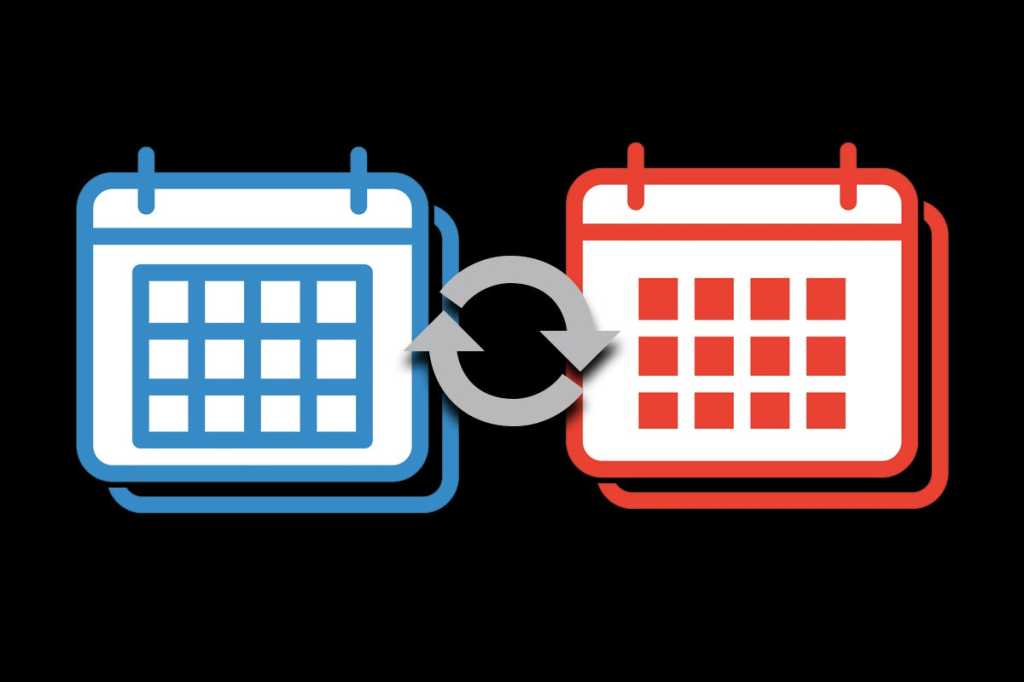
Most platforms allow you to subscribe to other calendars using iCal URLs or direct account linking. This process pulls events from external sources into your primary app without duplicating data. You can then toggle visibility for each source, keeping your core schedule clean while retaining access to shared project timelines.
Follow the steps below to import and sync your calendars across Google, Outlook, and Apple.

Open Outlook and go to Settings (gear icon) > Calendar > Shared calendars. Under "Add calendar from the web," paste the iCal address from Google Calendar. Select "Import" to pull events into your Outlook view. You can choose to display this as a separate calendar or merge it into your main timeline.

On macOS, open System Settings > Internet Accounts. Add your Microsoft account and ensure the Calendar toggle is enabled. Open the Apple Calendar app, and your Outlook events will appear automatically. You can customize the color and opacity of the Outlook layer to distinguish it from your local events.
Go to Google Calendar settings and select "Settings for my calendars." Choose "Import & export" and select the .ics file exported from Apple Calendar. Alternatively, use the "Other calendars" sidebar to add by URL if you are using a public or shared Apple Calendar link. This ensures your mobile Apple events appear in your desktop Google view.
When merging calendars from different regions or platforms, time zone mismatches are common. Verify that each imported calendar is set to the correct local time zone in its settings. Use the "Time zone" setting in Google Calendar or the "Time Zone" tab in Outlook to ensure all events align correctly on the grid.
Once synced, create a dedicated "All Day" or "Master Schedule" calendar layer in your primary app. Set this layer to show all imported events with a neutral color. This master view becomes your single source of truth, allowing you to spot conflicts before they happen.
Remove booking friction
Friction is the enemy of calendar management. When potential clients or colleagues have to navigate a maze of email back-and-forth to find a slot, they often give up. Reducing administrative overhead starts by making it effortless for others to book time with you.
Set up unique, automated booking links for your primary activities. Tools like Calendly or Google Calendar Appointment Slots allow you to define specific time blocks and share a direct link. This eliminates the "when are you free?" dance and ensures that every meeting lands on your calendar without manual confirmation.
Clear communication is just as important as the technology. Always include the meeting purpose in the booking description. Whether it is a "Q3 Strategy Review" or a "Project Kickoff," the title should tell the attendee exactly what to expect. This clarity reduces no-shows and helps participants prepare adequately, making the actual meeting more productive.
By combining automated scheduling with transparent context, you transform your calendar from a passive list of obligations into an active tool that respects everyone's time.
Use time blocks for focus
Time blocking is the practice of dividing your day into distinct segments, each dedicated to a specific task or group of tasks. Instead of reacting to incoming emails or requests, you proactively assign work to your calendar. This method transforms your schedule from a reactive list into a structured plan, ensuring that high-priority items receive the attention they deserve.
Start by identifying your most important tasks for the day. Group similar activities together to minimize context switching. For example, batch all email processing into a single 30-minute block rather than checking your inbox every few minutes. This approach reduces mental fatigue and allows you to maintain deeper concentration on complex projects.
Once your blocks are defined, treat them as non-negotiable appointments. When a focus block begins, close unrelated tabs and silence notifications. If an urgent matter arises, assess whether it truly requires immediate attention or if it can wait until the next available slot. This discipline protects your deep work time and prevents small interruptions from derailing your entire day.
Review your time blocks at the end of each day. Note which segments ran over or under schedule and adjust your future planning accordingly. Over time, this feedback loop helps you estimate task durations more accurately, leading to a more realistic and manageable calendar management system.
Audit and declutter regularly
Treat your calendar like a physical desk. If you never clear off old papers, you cannot see the work in front of you. A cluttered schedule hides time sinks and creates cognitive drag. To fix this, you need a routine that removes the dead weight and highlights what actually matters.
Start with a weekly review. Look back at the last seven days and identify events that did not move the needle. Were there meetings that could have been emails? Did you accept invites without checking your energy levels? Delete or reschedule anything that no longer serves your current priorities. This process is not just about cleaning up; it is about reclaiming mental space for high-value tasks.
Next, tackle the monthly horizon. Scan the next four weeks for gaps and overlaps. Are there recurring events that have lost their purpose? Cancel subscriptions or meetings that no longer align with your goals. This step ensures that your calendar reflects your actual intentions, not just past habits. It transforms your schedule from a reactive list of demands into a proactive plan for your time.
Finally, set a recurring reminder for these audits. Consistency is what makes calendar management effective. Without regular checks, clutter creeps back in. Schedule a 15-minute block every Friday afternoon to perform this review. Over time, this habit will significantly reduce scheduling stress and improve your overall productivity.
Share calendars securely
Sharing your calendar is a practical step in calendar management, but it requires careful configuration to protect your privacy. The goal is to provide enough visibility for collaboration without exposing sensitive details like personal appointments or private notes to the wrong audience.
Start by deciding who needs access and to what extent. Most platforms offer granular permissions: "view only," "make changes," or "manage sharing." For family members, "make changes" often works well. For colleagues or external clients, "view only" is usually sufficient and safer. Avoid granting "manage sharing" rights unless the person is a dedicated assistant or IT administrator.
When setting permissions, be specific about what is shared. Many calendar apps allow you to show only "busy/free" status rather than full event details. This approach lets others schedule around your availability without seeing the subject, location, or guests of your meetings. It is a simple toggle that significantly reduces information leakage.
Regularly audit your shared calendars. Permissions can drift over time as team structures change or family dynamics evolve. Set a quarterly reminder to review who has access and remove anyone who no longer needs it. This habit ensures your calendar remains a tool for clarity, not a source of unnecessary risk.
Finalize your calendar management system
Before you commit to the new workflow, run through this final checklist. It ensures your digital schedule is synced across devices and ready for immediate use. This step prevents the common mistake of having conflicting events or missed notifications when switching between platforms.
-
Sync all accounts: Verify that Google, Outlook, and Apple calendars are linked and updating in real-time.
-
Audit recurring events: Remove outdated meetings and confirm weekly templates match your current priorities.
-
Set notification buffers: Add 15-minute buffers before and after meetings to allow for travel or transition time.
-
Test booking links: Click your public scheduling links to ensure they reflect your current availability rules.
-
Review color coding: Ensure work, personal, and travel blocks are visually distinct for quick scanning.
Once these items are checked, your calendar management system is stable. You can now focus on executing your schedule rather than maintaining the tool itself.
Common calendar syncing: what to check next
Users frequently ask whether organizing a schedule is a learned ability or a natural talent. The short answer is that it is a cognitive skill requiring specific techniques. Effective calendar management involves applying priority management and time management principles to optimize how you spend your day. It is less about simply entering events and more about understanding where your time is best spent and planning accordingly.
No comments yet. Be the first to share your thoughts!